




Already trusted by creators and media teams.
KLAB
1M

SBS News
5.2M

3PRO TV
2.95M

Yonhap News
1.12M

Knowledge Inside
3.81M

KRA Racing Broadcast
89.1K
BODA
3.1M

Kim's News Show
1.63M
EBS Documentary
5.39M

JTBC News
4.85M
KLAB
1M
SBS News
5.2M
3PRO TV
2.95M
Yonhap News
1.12M
Knowledge Inside
3.81M
KRA Racing Broadcast
89.1K
BODA
3.1M
Kim's News Show
1.63M
EBS Documentary
5.39M
JTBC News
4.85M


3
min
Average processing time
5
langs
Languages supported
100K+
clips
Generated clips
200+
Creators & businesses
Stop searching for the right image
AI creates the components your video needs in the right ratio.
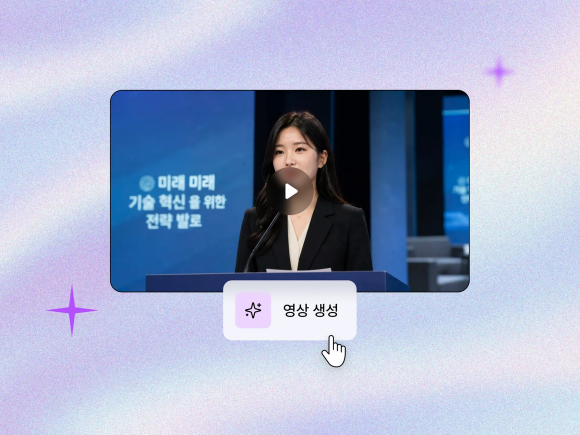
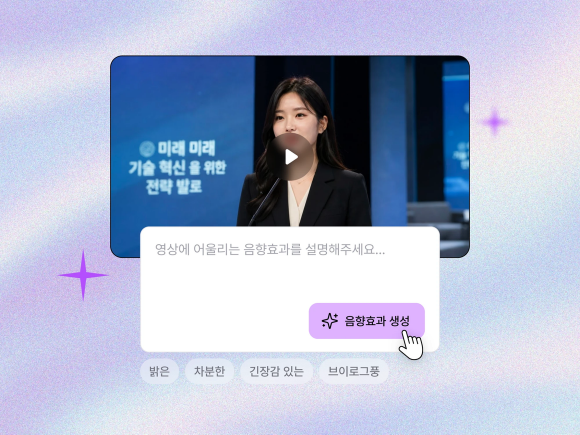
Describe the scene you want
Enter the scene in a sentence and let AI turn it into an image.
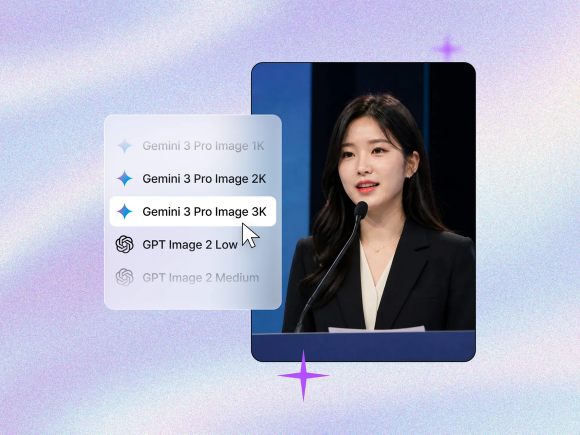
Choose a generation model
Select the model and quality you want from Gemini or GPT Image.
Review and use the result
Check the image, then add it to your project or download it.

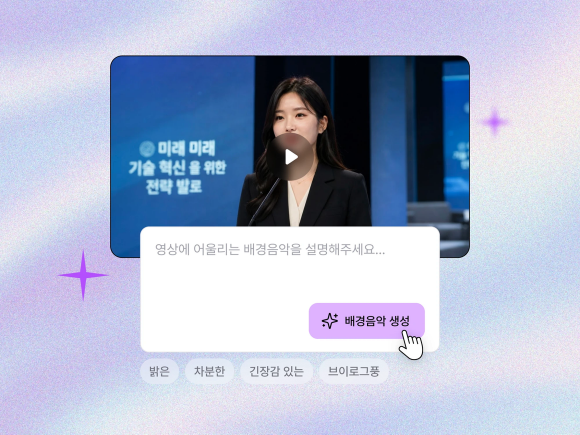
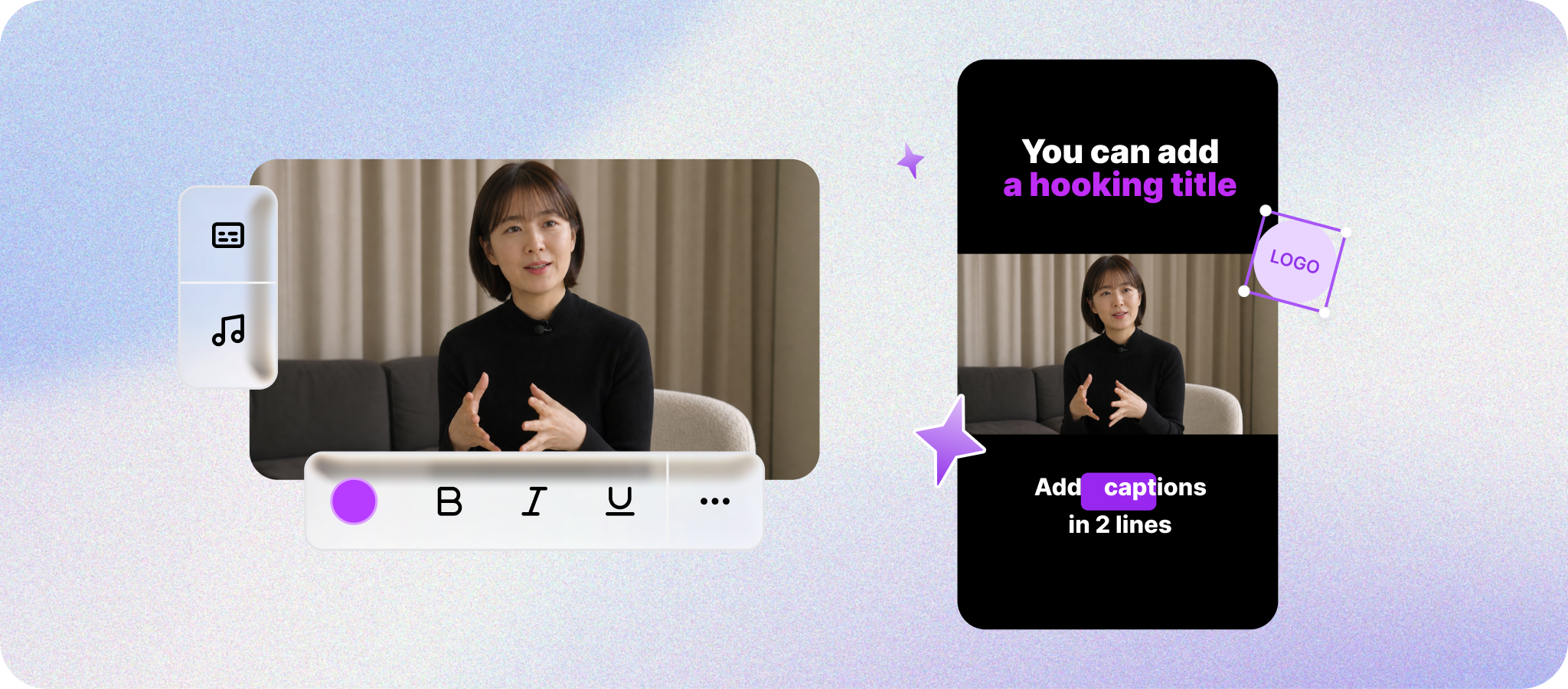
Where image generation helps on TikTok
Keep the idea easy to follow in a fast vertical video, and review any disclosure that may apply to generated or heavily edited media.
Generate the image you need
Describe the scene in a sentence, and AI will create an image you can use in the video. For TikTok, make the main idea easy to recognize as the video moves through quick vertical scenes.
No more ratio cleanup
Create images already sized for Shorts, landscape, or square videos.
What it can help with on TikTok — and its limits
Place generated images directly in Fika Clip and keep editing. It can make the video easier to follow, though completion, shares, and For You recommendations can still vary.
TikTok Image generation FAQ
Here are a few helpful details to look over before using it in your content.
Upload a video or bring one in from a link, and AI analyzes the video and audio to run editing, generation, and cleanup tasks. You can review the result before applying it.

Everything you need for Shorts,
all in Fika Clip
Bring one video and get it ready to publish.