




Already trusted by creators and media teams.

KLAB
1M

SBS News
5.2M

3PRO TV
2.95M

Yonhap News
1.12M

Knowledge Inside
3.81M

KRA Racing Broadcast
89.1K

BODA
3.1M

Kim's News Show
1.63M

EBS Documentary
5.39M

JTBC News
4.85M
KLAB
1M
SBS News
5.2M
3PRO TV
2.95M
Yonhap News
1.12M
Knowledge Inside
3.81M
KRA Racing Broadcast
89.1K
BODA
3.1M
Kim's News Show
1.63M
EBS Documentary
5.39M
JTBC News
4.85M







3
min
Average processing time
5
langs
Languages supported
100K+
clips
Generated clips
200+
Creators & businesses
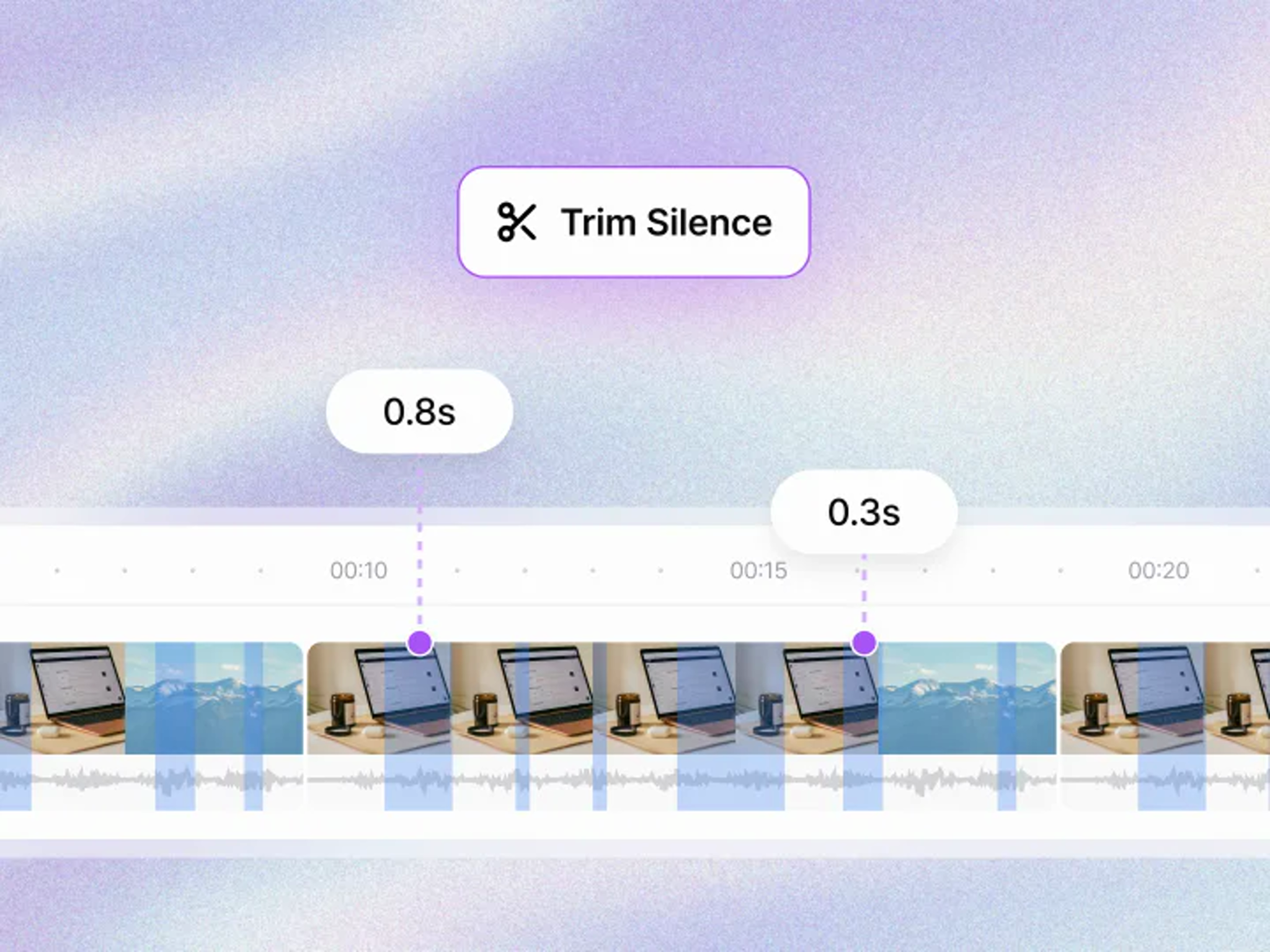
See every silent section at a glance
Shorten pauses that match your conditions to improve the video's pace.
Shorten the silent sections you want
Find silent sections by condition and shorten them by as much as you want.
See results instantly
Preview the video and result details in real time as you adjust the conditions.
Apply with one click
Click Apply to update the edit immediately.


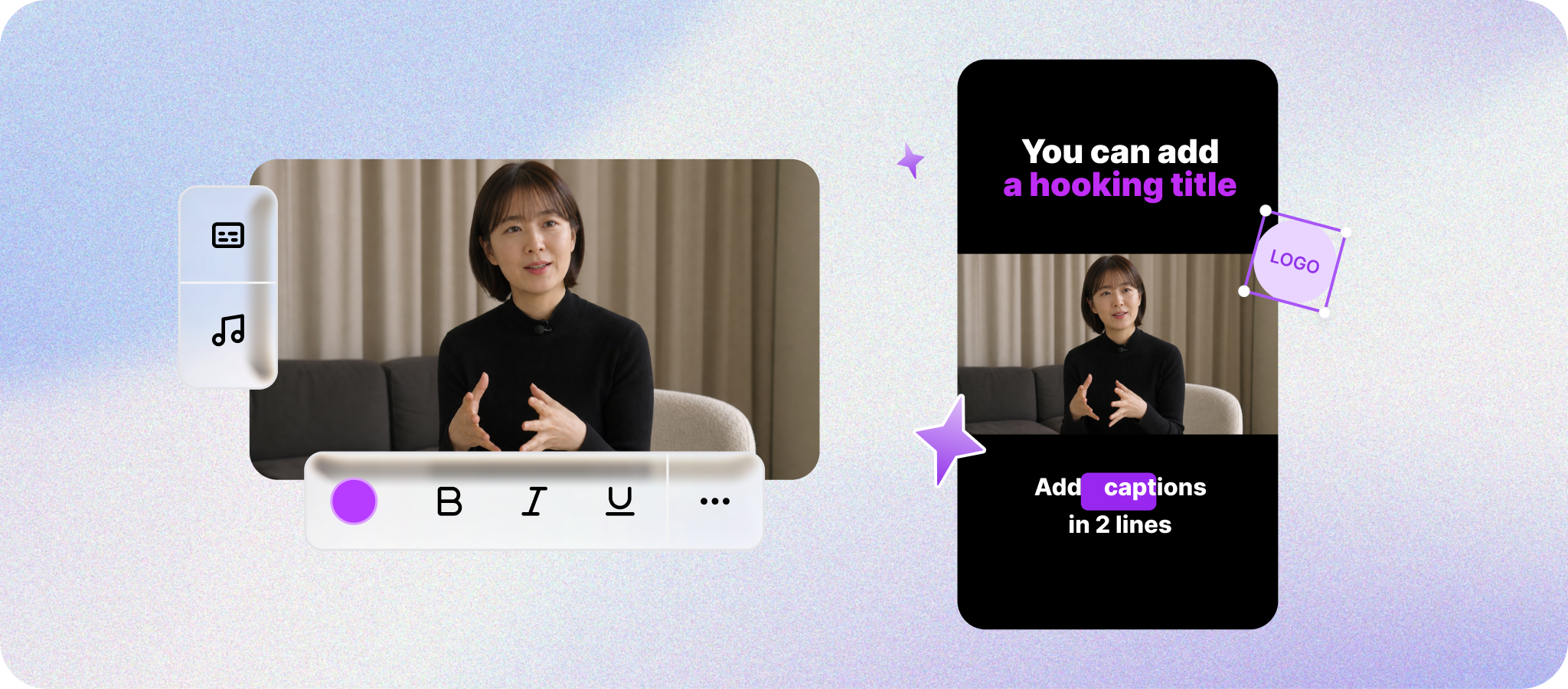
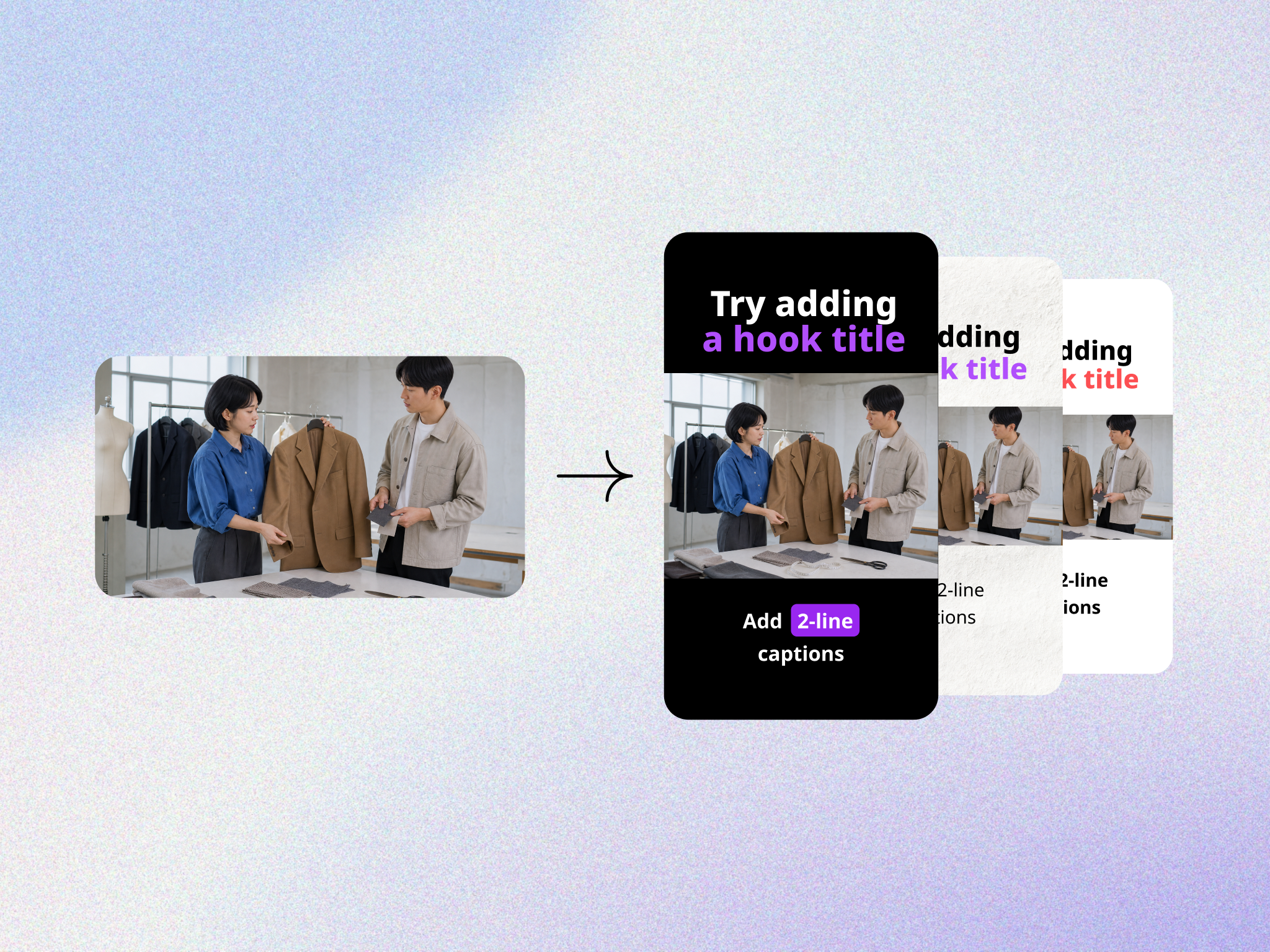
Where silence removal helps on TikTok
Keep the idea easy to follow in a fast vertical video, and review any disclosure that may apply to generated or heavily edited media.
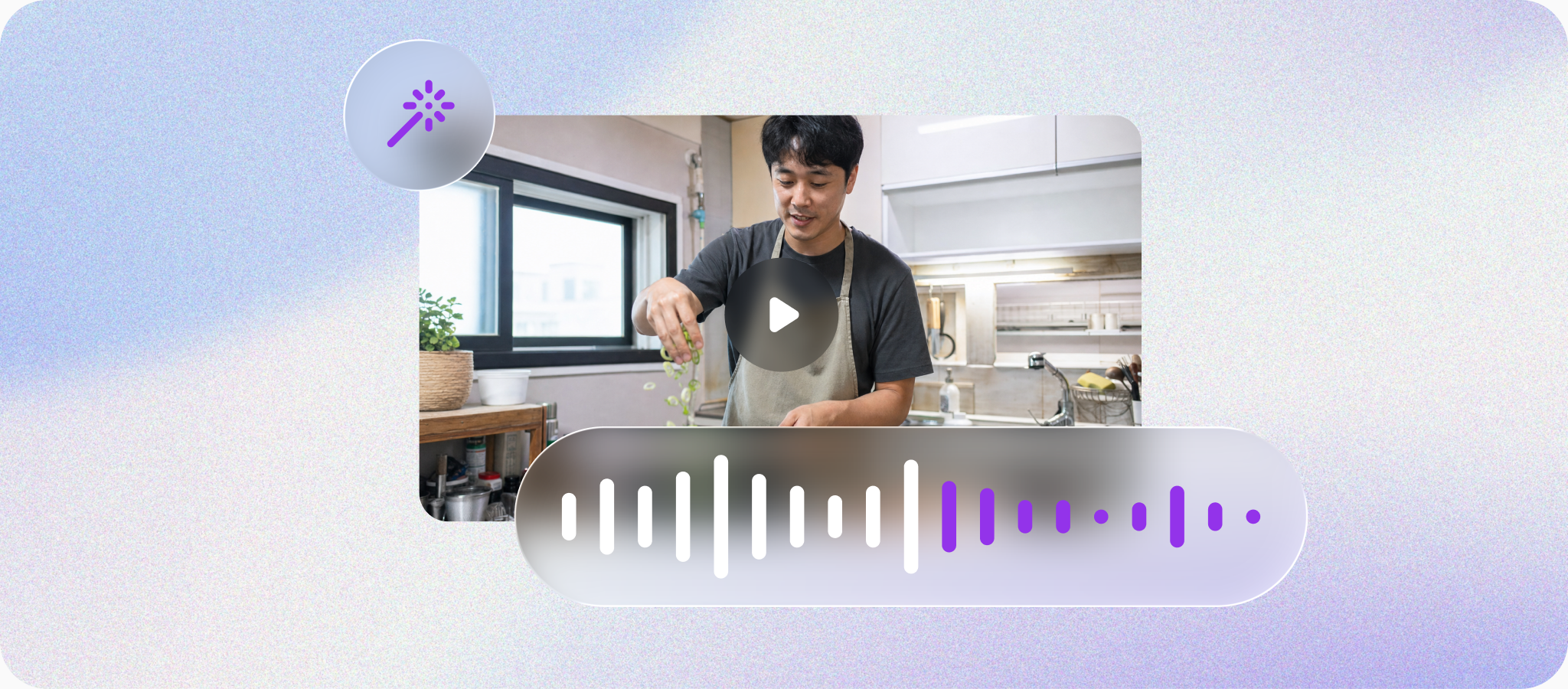
Find only quiet sections
AI detects parts with no speech and shows where the video can be shortened. For TikTok, make the main idea easy to recognize as the video moves through quick vertical scenes.
Set the rules, let AI handle the rest
Choose how quiet and how short a pause should be, then let AI process it.
What it can help with on TikTok — and its limits
Review the result and apply it only when the edit still feels natural. It can make the video easier to follow, though completion, shares, and For You recommendations can still vary.
TikTok Silence removal FAQ
Here are a few helpful details to look over before using it in your content.
Upload a video or bring one in from a link, and AI analyzes the video and audio to run editing, generation, and cleanup tasks. You can review the result before applying it.


Everything you need for Shorts,
all in Fika Clip
Bring one video and get it ready to publish.