Give finished livestreams a second life as Reels
A workflow for teams running livestream commerce, talks, performances, and streams. FikaClip suggests Shorts from high-response live moments. Framing Deal-focused live commerce Shorts clearly in a vertical scene lets live highlights with a clear reason to watch again carry the same impression from Reels into the profile. Give Keynote highlight Shorts a cover that reveals its subject before playback.


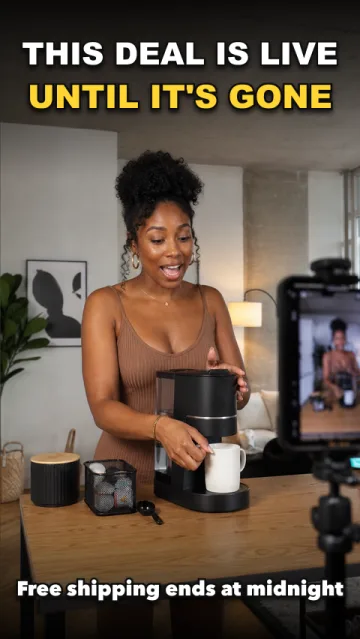
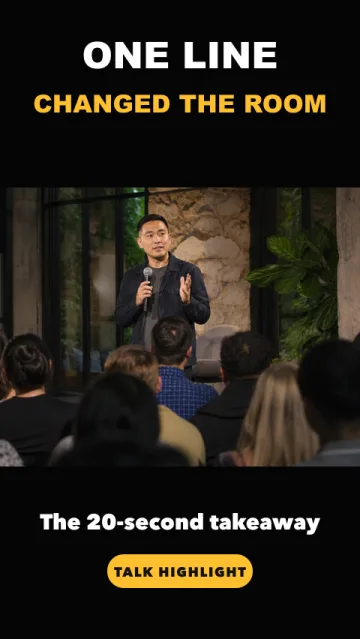


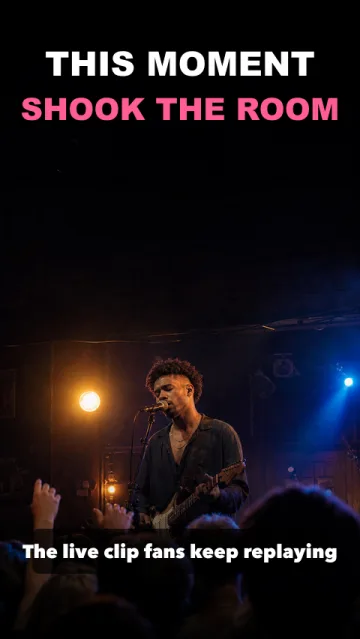
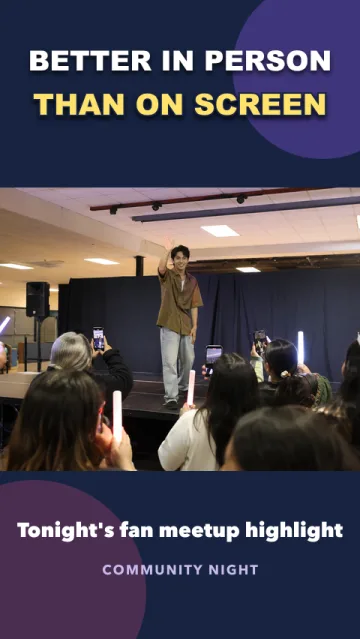
live highlights with a clear reason to watch again short ideas for Instagram
Deal-focused live commerce Shorts
Keynote highlight Shorts
Reaction-driven streamer Shorts
Subscriber Q&A Shorts
Immersive performance Shorts
Fan-engagement meet-up Shorts
Deal-focused live commerce Shorts
Keynote highlight Shorts
Reaction-driven streamer Shorts
Subscriber Q&A Shorts
Immersive performance Shorts
Fan-engagement meet-up Shorts
AI short-form editing automation
Automate repetitive editing work from layouts and voice to text assets, name tags, and silent cuts.
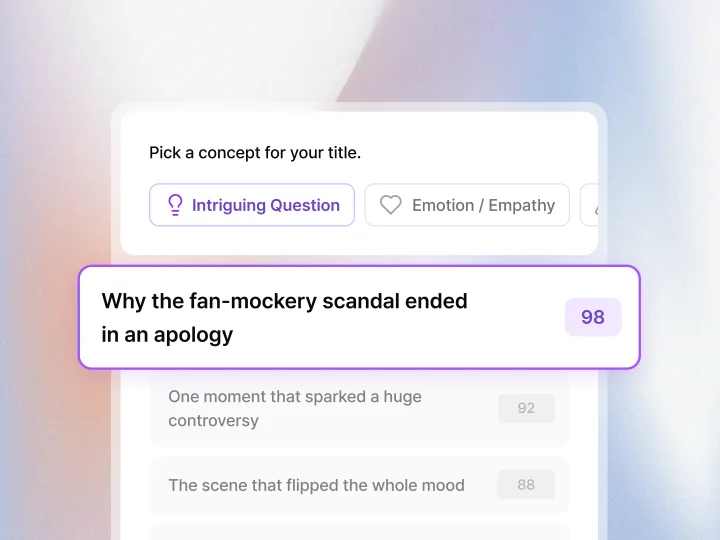
AI video title recommendations
Choose a title concept and get sharper title options that fit the video flow.
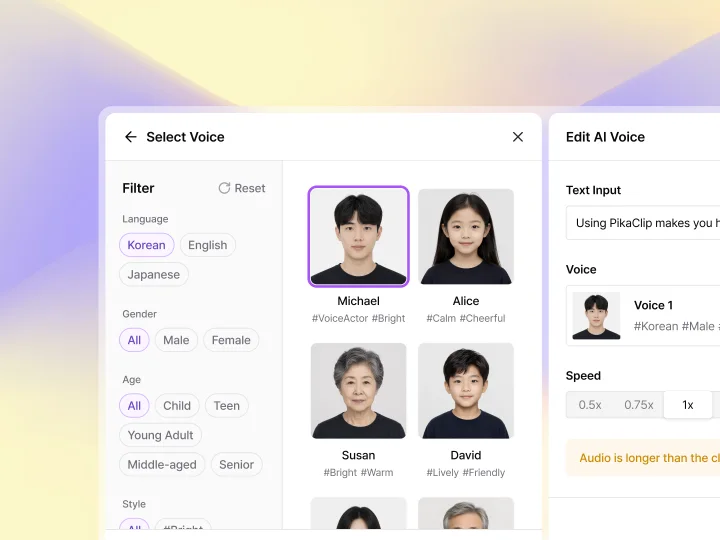
AI TTS generation
Turn text into natural AI voice tracks you can use directly in your short-form videos.
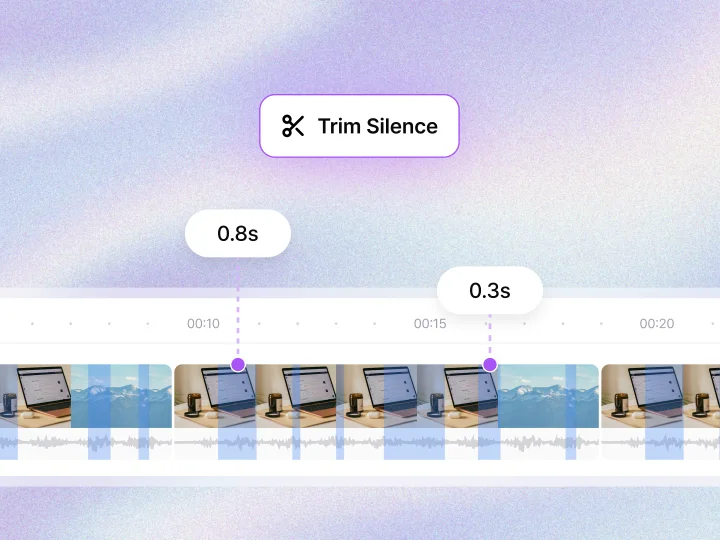
AI automatic cut editing
Automatically detect quiet sections and shorten unnecessary pauses in one pass.
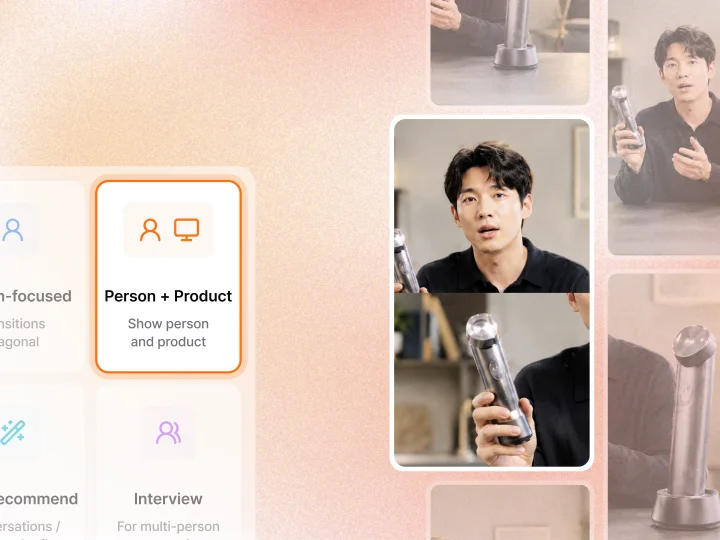
AI video reframing
Analyze people, products, and screen elements to fit each video into a short-form composition.
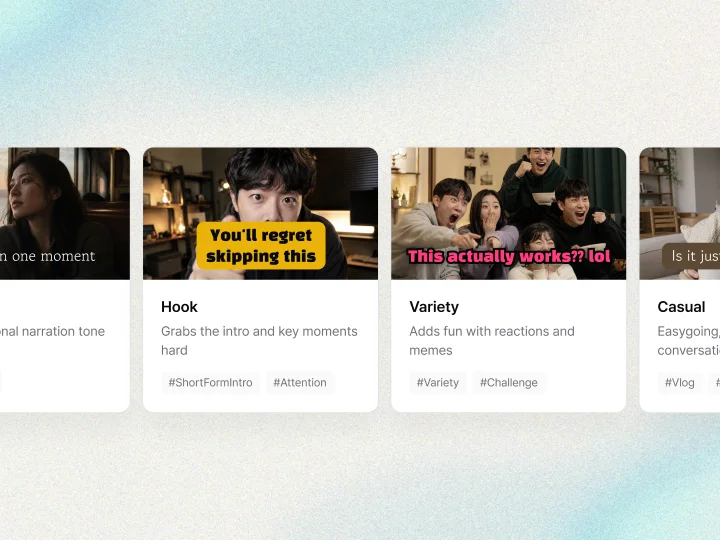
AI motion caption generation
Generate subtitles, highlight copy, and text styles that match the tone of your video.
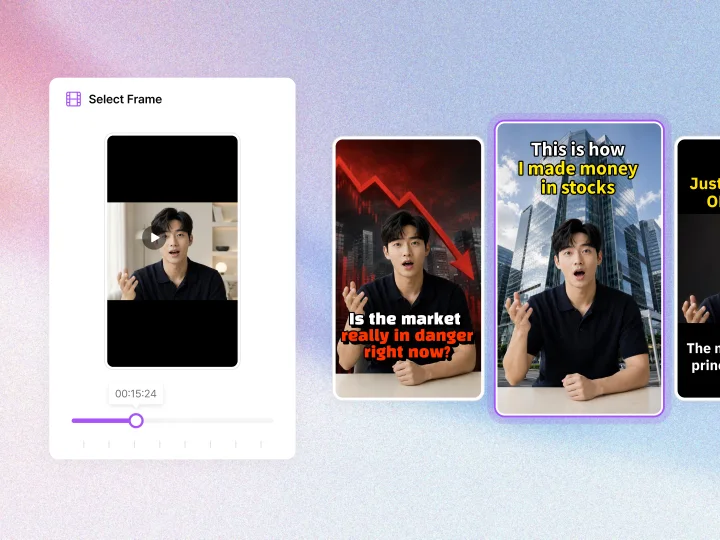
AI thumbnail generation
Choose a frame and let AI create thumbnail options that fit the title and mood.
A simpler way to make live highlights with a clear reason to watch again shorts for Instagram
Find the moments your live highlights with a clear reason to watch again audience cares about, then shape the captions and framing for Instagram.

Find the key moment
FikaClip suggests Shorts from high-response live moments.
Shape the vertical frame
Keep the main person, place, or product clear in Reels and profile views. Carry the brand voice through the captions and visual rhythm.
Add context with captions
Refine the captions and title around the selected scene so the topic remains clear even when someone watches without sound.
Compare it with the source
Short edits can lose important context, so check the finished clip against the original. Views and recommendations still vary with the content and audience.
Find the key moment
FikaClip suggests Shorts from high-response live moments.
Shape the vertical frame
Keep the main person, place, or product clear in Reels and profile views. Carry the brand voice through the captions and visual rhythm.
Add context with captions
Refine the captions and title around the selected scene so the topic remains clear even when someone watches without sound.
Compare it with the source
Short edits can lose important context, so check the finished clip against the original. Views and recommendations still vary with the content and audience.
How to produce live highlights with a clear reason to watch again efficiently on Instagram
Framing Deal-focused live commerce Shorts clearly in a vertical scene lets live highlights with a clear reason to watch again carry the same impression from Reels into the profile. Give Keynote highlight Shorts a cover that reveals its subject before playback.
The first strength is helping teams running livestream commerce, talks, performances, and streams make more use of long-form footage they already have. FikaClip suggests Shorts from high-response live moments. Finding one focused question or scene, such as Deal-focused live commerce Shorts, makes it easier to prepare a short that stands on its own without filming again.
The second strength is separating different viewing needs from the same source. Turning Keynote highlight Shorts and Reaction-driven streamer Shorts into individual videos helps you publish consistently while organizing the information from one long video by topic.
The third strength is handling the scene selection, vertical framing, captions, and titles needed for live highlights with a clear reason to watch again in one workflow. Keeping the most important scenes clear can reduce repetitive editing work.
When publishing Deal-focused live commerce Shorts, account for how the platform presents and evaluates the clip. Instagram’s official Reels guidance focuses on the mobile vertical presentation, including aspect ratio, resolution, and cover images. These strengths matter most when the person, place, or product is easy to recognize in the vertical frame and the cover carries the same topic into the profile. Fika Clip can make that consistency easier to manage, though it cannot guarantee reach or saves.

Turn existing videos into shorts in minutes